Professional email needs a recognizable brand, authenticated sender and reliable delivery process. A logo alone cannot guarantee inbox placement. CENTRANET uses configured sender settings and branded layouts, while delivery status tells you whether a message has entered the transport or been accepted by a receiving service.
Before you start
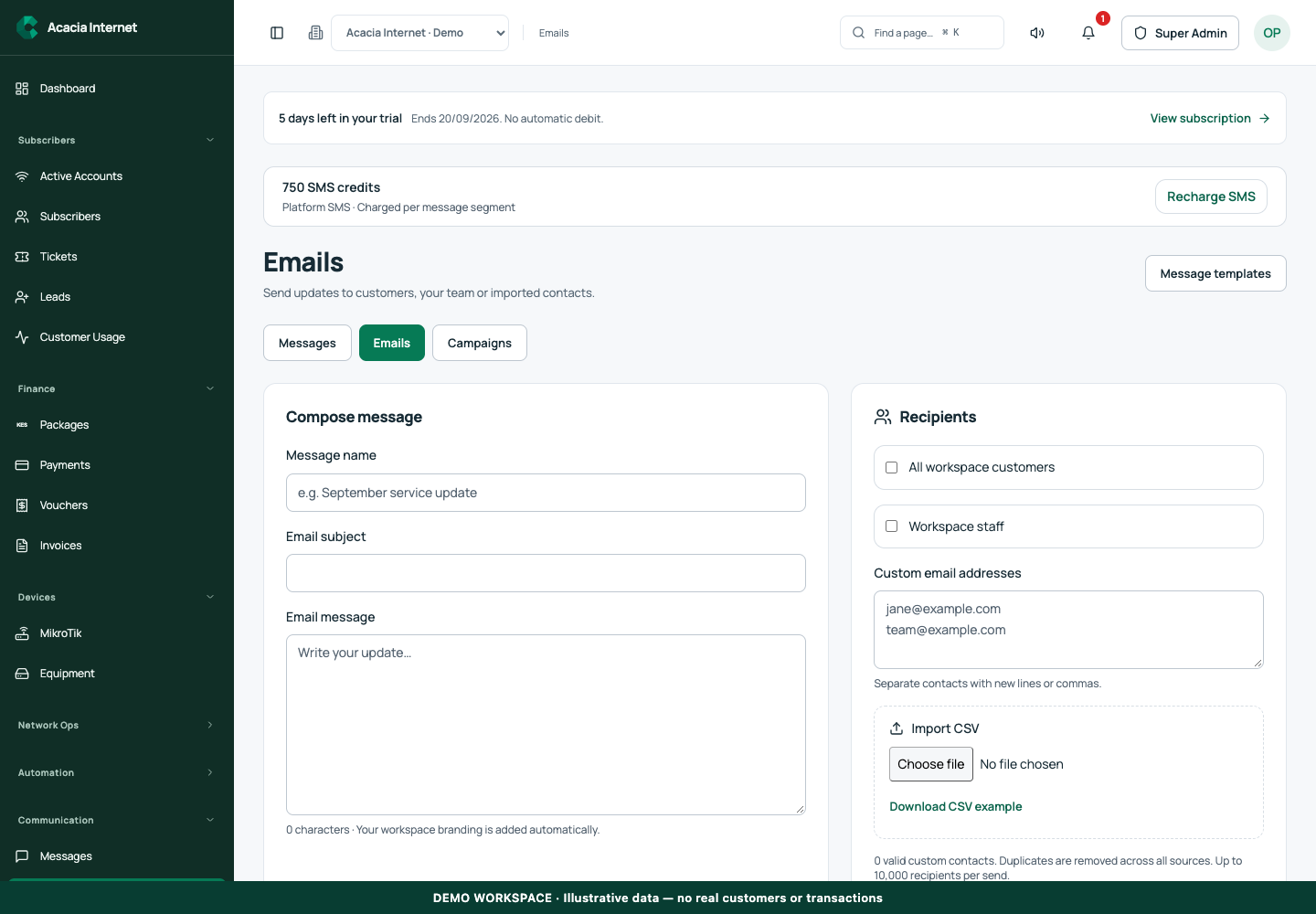
Open /emails in the workspace you intend to manage. The workspace name determines which routers, subscribers and records you can see. These screenshots use Acacia Internet, a fictional training workspace. Names, phone numbers, addresses, account counts and money shown are demonstration data; do not copy them into a live customer record. Your available controls depend on your role, plan and configured integrations.
1. Review the effective sender for the workspace
Open the email settings available to your role and inspect the effective provider, sender address and source. A workspace can use its own configuration, an eligible reseller configuration or the platform sender according to the application’s branding rules. A live white-label domain may require an appropriate sender configuration; do not assume the platform identity is suitable for every customer-facing portal.
2. Choose and configure a supported provider
Use the supported Resend or encrypted SMTP option. For SMTP, the settings require the public hostname, port 465, username and password. Enter credentials only in the secure settings form. A provider name shown in the interface does not prove its domain or credentials are valid. Save the configuration and run the readiness check before relying on it for account messages.
3. Keep sender identity and reply details consistent
Choose a business name that customers recognize and a sender address belonging to the authorized domain. Set a monitored reply or support address where the form permits it. Your email header, footer, logo and destination links should match the workspace identity. Do not use a customer-facing From address from an unrelated domain simply because a mail server accepts the connection.
4. Preview message templates with realistic examples
Open customer notification templates and inspect the relevant email preview. Review the header, logo, title, body sections, action link and footer. Use clearly fictional amounts when demonstrating payment or invoice messages. Preserve required template variables and test that links point to the intended portal. A polished preview with a broken password-reset link is not a complete email setup.
5. Understand the platform delivery queue
Platform email can use the shared gateway, which keeps a durable record and chooses the configured delivery transport. The platform allowance can route eligible new messages away from a quota-limited provider to the VPS. A queued status means the gateway accepted responsibility for processing; it does not promise inbox placement. Uncertain provider acceptance requires reconciliation to avoid duplicate messages.
6. Verify account email separately from ordinary sends
Sign-in and password-reset email uses the authentication service’s transport. A platform administrator can connect the verified platform sender to that service through its dedicated action. Test the actual recovery journey, not just a general email preview. Confirm the intended mailbox, expiry and destination link, and never share the recovery token in a screenshot or support message.
Confirm the result
Confirm that the sender is ready, branding is correct and an authorized test message receives a recorded transport outcome. For critical account email, complete the real verification or recovery flow. Maintain valid SPF, DKIM and DMARC records for the sending domain and monitor failures; recipient providers still make their own filtering decisions.
Questions and troubleshooting
Can the application guarantee no spam-folder delivery? No. Authentication, reputation, content and recipient-provider policy all matter. Does SMTP readiness send a message? The readiness check verifies the connection and authentication; use an authorized delivery test separately. Why is a white-label sender blocked? Review domain and brand requirements rather than falling back to another business’s identity. Should I create multiple SPF records? No; a domain should have one valid SPF policy containing its authorized senders.
Continue with the next task
Continue with brand identity and notification templates.
This guide describes the application reviewed on 15 September 2026. If a screen displays a warning, follow that specific message before continuing. For support, include the workspace, affected record, time of the attempt and the operation reference where available. Never include passwords, router command tokens, payment secrets or verification codes in a public support message.