A support ticket should preserve the customer’s problem, the work performed and the verified outcome. It is more useful than a scattered collection of phone messages because another staff member can understand what happened. Use the ticket view to connect customer communication with payment and router evidence.
Before you start
Open /tickets in the workspace you intend to manage. The workspace name determines which routers, subscribers and records you can see. These screenshots use Acacia Internet, a fictional training workspace. Names, phone numbers, addresses, account counts and money shown are demonstration data; do not copy them into a live customer record. Your available controls depend on your role, plan and configured integrations.
1. Review the incoming request and workspace
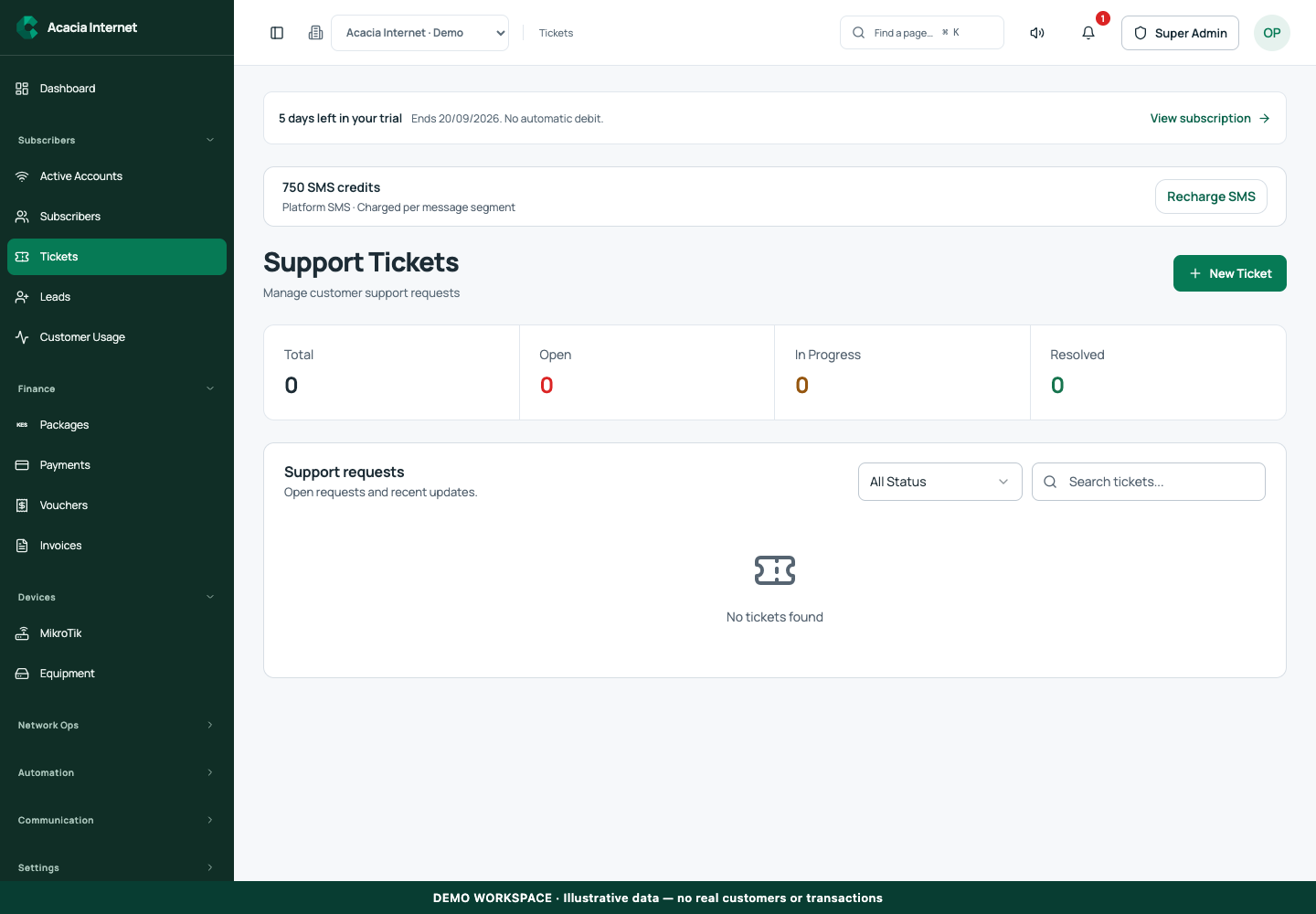
Open Support Tickets and use the available filters or search to find the request. Check the customer, subject, status and submission time. A customer portal ticket and a storefront contact enquiry may enter different administrative views, so use the appropriate source. Confirm the correct organization before opening account or router details.
2. Clarify the symptom and affected service
Read the customer’s description and identify whether the issue concerns payment, login, speed, outage or a package change. Ask for the time and affected location where needed. Avoid asking for passwords, OTPs or payment PINs. A concise symptom such as “PPPoE stopped at 14:10” is more actionable than a long message without a time or account context.
3. Connect the ticket to relevant evidence
Inspect the subscriber record, serving router and any original payment reference. Compare the customer’s report with recent heartbeat, service evidence and payment state. Do not declare the problem solved because a dashboard shows an active account. A paid customer may still have a pending router operation, and an online router can still have a problem on one customer interface.
4. Assign responsibility and communicate the next step
Use the supported assignment or status controls to show who is handling the request. Record a short customer-facing update with the next action and a realistic follow-up expectation. If finance must reconcile a payment, preserve its reference and avoid asking the customer to pay again. If a site outage affects many subscribers, coordinate one clear operational update rather than contradictory individual promises.
5. Perform the supported correction and record the result
Use the appropriate subscriber, payment or router workflow for the fix, then record the operation reference and outcome in the ticket. Keep internal secrets out of comments. A submitted change can remain pending, so distinguish work requested from work verified. If the first action fails, retain its result and investigate before repeating a potentially conflicting operation.
6. Verify with the customer and close accurately
Check the relevant technical or financial result and, where practical, ask the customer to confirm the service works. Update the ticket through its supported resolution controls with a concise explanation. Keep the history available for recurring faults. Closing a ticket should mean the issue is resolved or clearly handed off, not merely that someone opened the page.
Confirm the result
A complete ticket tells the next staff member what the customer experienced, which account and router were involved, what changed and how success was verified. Review unresolved requests at the start and end of the support shift. Notification delivery helps staff notice work, but the ticket queue remains the record of outstanding responsibility.
Questions and troubleshooting
Why did I not receive a new-ticket alert? Check the configured recipient, email sender, SMS gateway and delivery records. Can I close a ticket while a router action is pending? Keep the pending work visible and explain the follow-up. Should I paste raw router credentials into the ticket? No. What if several customers report the same issue? Investigate the shared router or upstream path and coordinate updates while preserving each customer’s request.
Continue with the next task
Continue with router monitoring and payment reconciliation.
This guide describes the application reviewed on 15 September 2026. If a screen displays a warning, follow that specific message before continuing. For support, include the workspace, affected record, time of the attempt and the operation reference where available. Never include passwords, router command tokens, payment secrets or verification codes in a public support message.