Networking essentials · CTC-50412
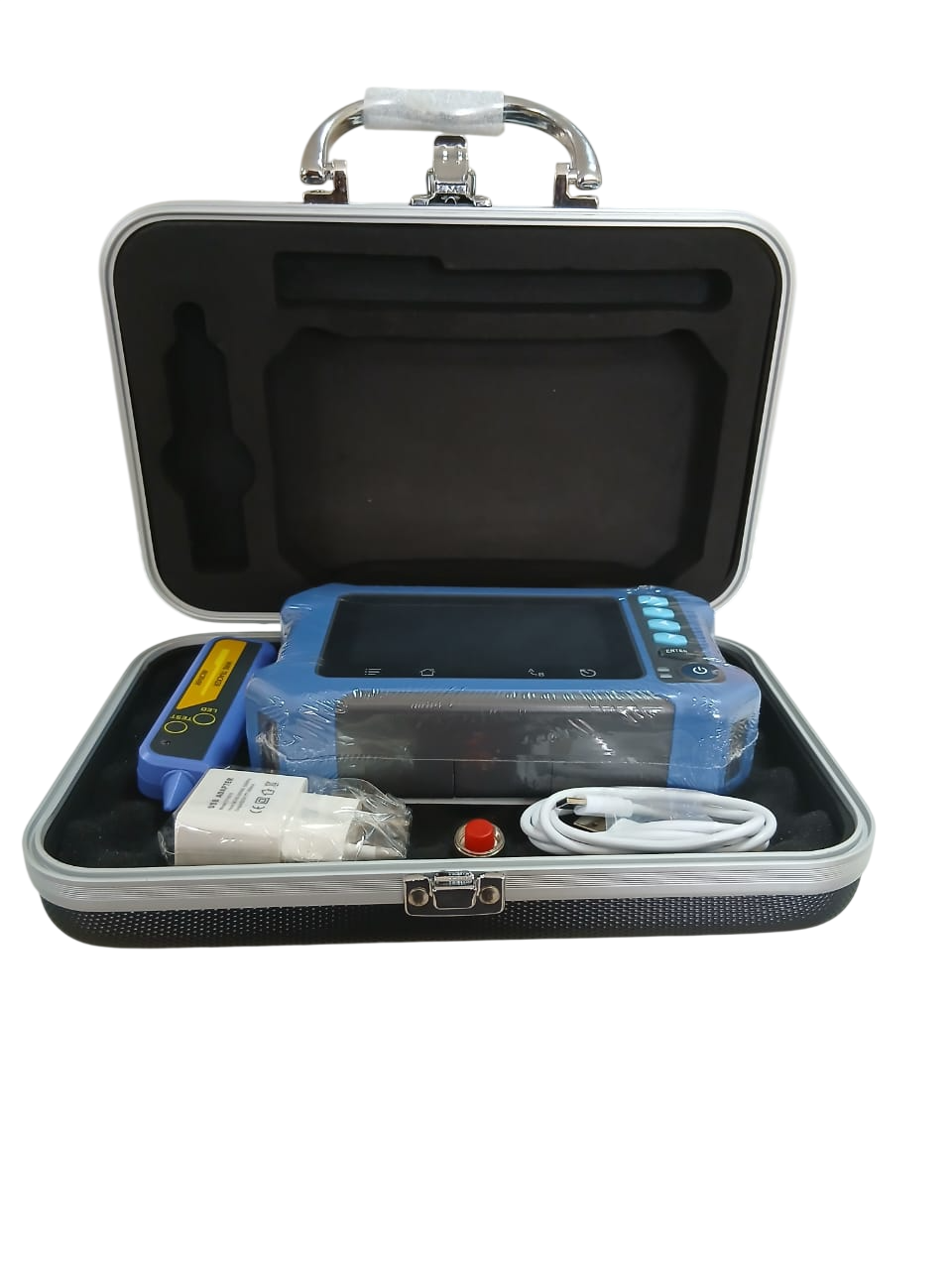
OTDR Optical Network Tester JW6601A
OTDR Optical Network Tester JW6601A. Cabling & accessories for ISP, business and customer installations. Confirm the required model and quantity with CENTRANET.
Ksh 29,400
20 in stock · VAT and delivery calculated at checkout.
Questions? Call 0711 888 894.
Build with confidence
Share your network requirements with us before ordering. We’ll confirm the model, included accessories and delivery arrangements.
Installation & setup guidesKnow your equipment
Product overview
OTDR Optical Network Tester JW6601A Complete the physical connection and installation work around your network. Check length, connector type, power requirements and compatibility with the equipment at each end. Product details • Built-in OTDR testing for fast fiber fault detection • Supports single-mode and multi-mode fiber testing • Measures fiber length, attenuation, splice loss, and reflectance • Accurately locates fiber breaks, bends, and connector faults • High-resolution color display for clear test results • User-friendly interface for easy operation • Long-lasting battery for extended field testing • Stores test traces and reports for future reference • USB interface for data transfer and software upgrades Plan your installation Use the listed model and specifications to compare this item with your network design. For an existing deployment, check the connected equipment, available power and installation conditions before ordering. Product images identify the model; confirm the exact variant and included accessories with our team. Ordering from CENTRANET Request this product on WhatsApp or include it in an equipment quote. Tell us your required quantity, delivery location and any compatibility questions so we can confirm availability, tax and delivery charges before payment. A supplier listing does not represent reserved CENTRANET inventory. For MikroTik deployments, use the CENTRANET setup guides to prepare the router and review the customer interfaces before configuration. Other networking equipment can be part of your installation but does not automatically gain MikroTik management features.